Ellipse
Draw an ellipse (an oval) from its centre, the end of its long axis and its width: mirrors, handles, signs and badges.
- Ellipse ESketch toolbar: under the ▾ next to Circle
| SchoolCAD | Onshape | Fusion | SOLIDWORKS |
|---|---|---|---|
| Ellipse | Ellipse | Ellipse | Ellipse |
An ellipse is an oval: a circle stretched in one direction. Use it for a mirror frame, a sign, a badge, a soap dish or an oval hole for a handle. It is under the ▾ next to Circle, or press E in a sketch.
An ellipse has two sizes. The major radius is half the long axis, from the centre to the far end. The minor radius is half the short axis, from the centre to the side. The long axis can point any way you like.
How to use it#
- In a sketch, choose Ellipse from the ▾ next to Circle, or press E.
- Click the centre: for example the origin.
- Click the end of the long axis. If it is nearly level or upright it snaps level or upright, and the pointer shows H or V.
- Move sideways and click to set the width.
- Use Dimension D: click the ellipse, then click where the size goes. Put the size out past the end of the long axis for the major radius, or out to the side for the minor radius. Type the size.
The ellipse is black (fully defined) when its centre is fixed in place, both radii have a size and the long axis cannot turn: for example it is level (H), or you added construction axes (see below) and gave the long one an angle.
Step by step#
Here is the whole thing on an oval badge, from the SchoolCAD video tutorial.
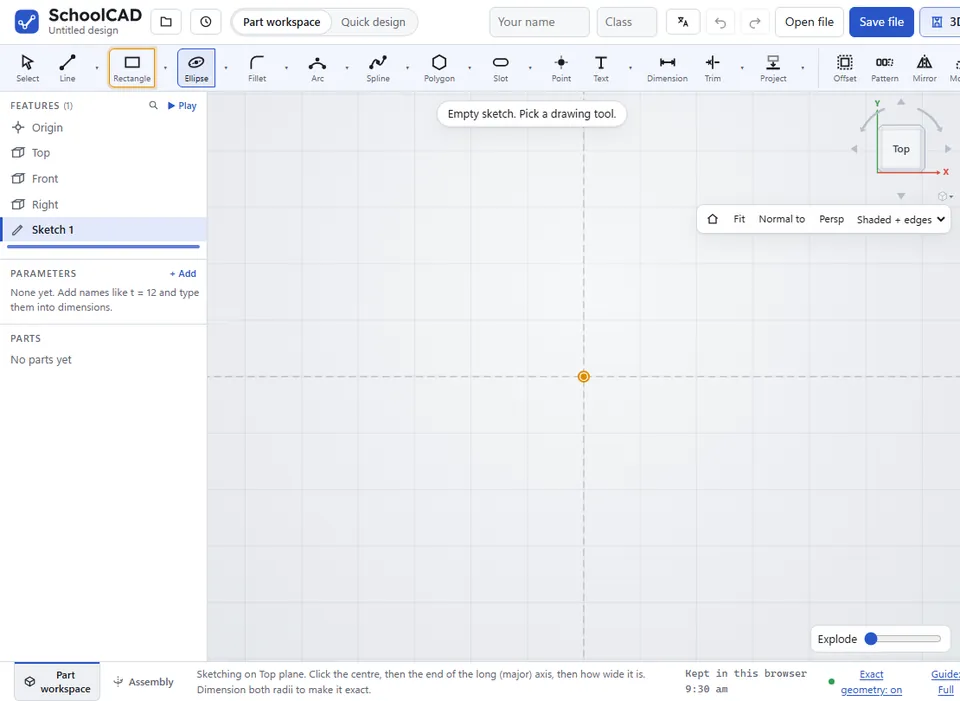
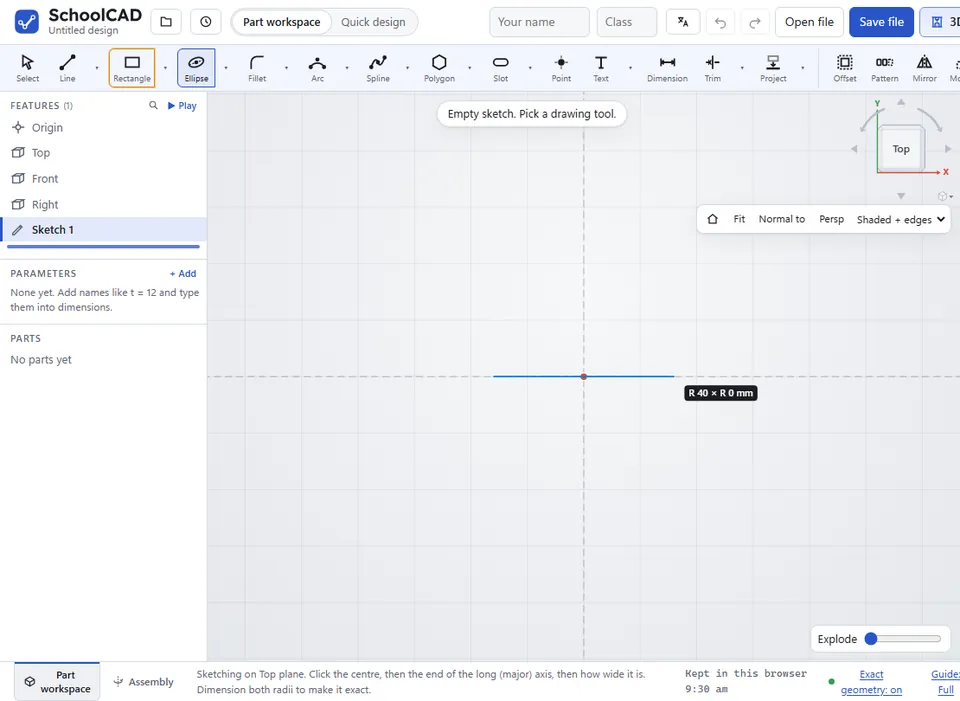
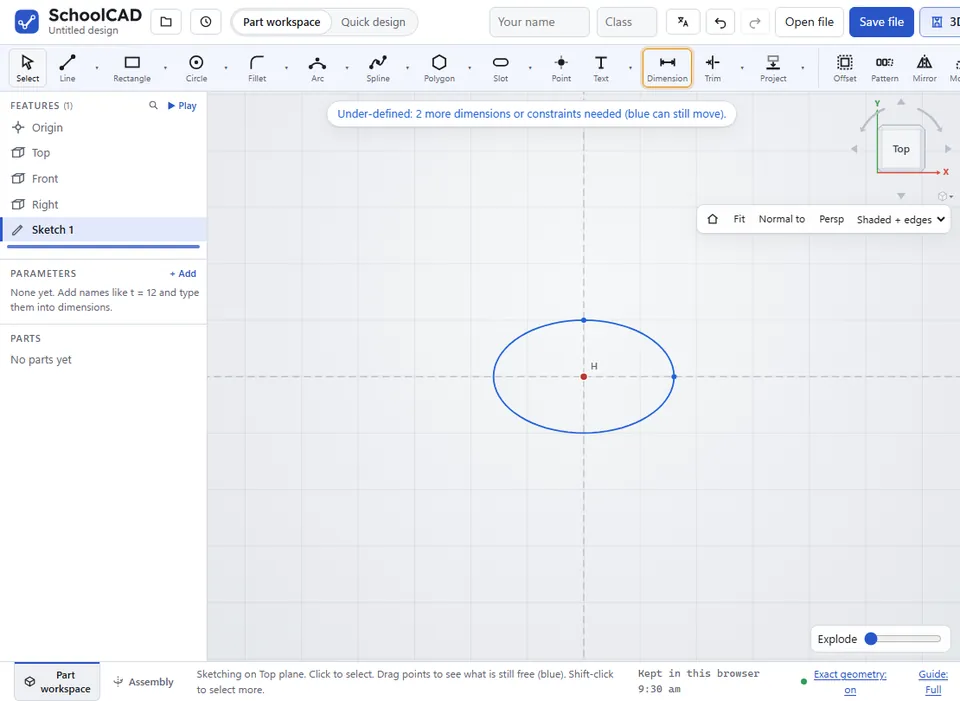

Tips#
- The centre and the ends of both axes are points: snap to them, dimension to them, or use Coincident and Horizontal on them.
- Right-click the ellipse and choose Add construction axes to this ellipse for dashed lines along both axes. Their ends are points at all four sides of the ellipse, ready to snap and dimension to.
- An ellipse inside a closed shape makes a hole when you extrude it. Lines that cross an ellipse split it into separate regions, as they do a circle.
- Drag the ellipse to move it. Drag the end of an axis to turn or stretch it.
- Ellipses come out true (exact) in STEP files when the exact geometry engine is on, and smooth in the laser cut file.
- On an engineering drawing, a whole ellipse seen end-on is called up with the lengths of its two axes, such as ELLIPSE 60 × 30.
- A DXF drawing brought in with Insert image keeps its whole ellipses as ellipses.
- Trim works on an ellipse: what is left is an elliptical arc.
- Tangent works between an ellipse and a line, circle or arc: select both, then click Tangent. A line that starts on the ellipse (at the end of an elliptical arc, or snapped onto it) carries on along it from there; otherwise the line or circle just touches it.
- Offset on an ellipse makes a second curve a set distance outside or inside it, tied to it, with a dimension for the distance. It is not an ellipse: see Offset.
If it does not work#
- The ellipse will not go black. Check for a size on both radii, a fixed centre, and that the long axis is level, upright or has an angle.
- Dimension gives the wrong radius. Undo, then place the size further along the axis you want.