Spline
Draw a smooth, flowing curve through points you click, then reshape it by dragging the points.
- Equation curveSketch toolbar: under the ▾ next to Spline
- Spline SSketch toolbar
| SchoolCAD | Onshape | Fusion | SOLIDWORKS |
|---|---|---|---|
| Equation curve | Equation curve (custom feature) | Equation curve (add-in) | Equation Driven Curve |
| Spline | Spline | Fit Point Spline | Spline |
A spline is a smooth, flowing curve that passes through the points you click. Use it for shapes that are not made of straight lines and circles: the outline of a surf handplane, a guitar body, a curved chair back, a leaf-shaped tray.
How to use it#
- In a sketch, click Spline, or press S.
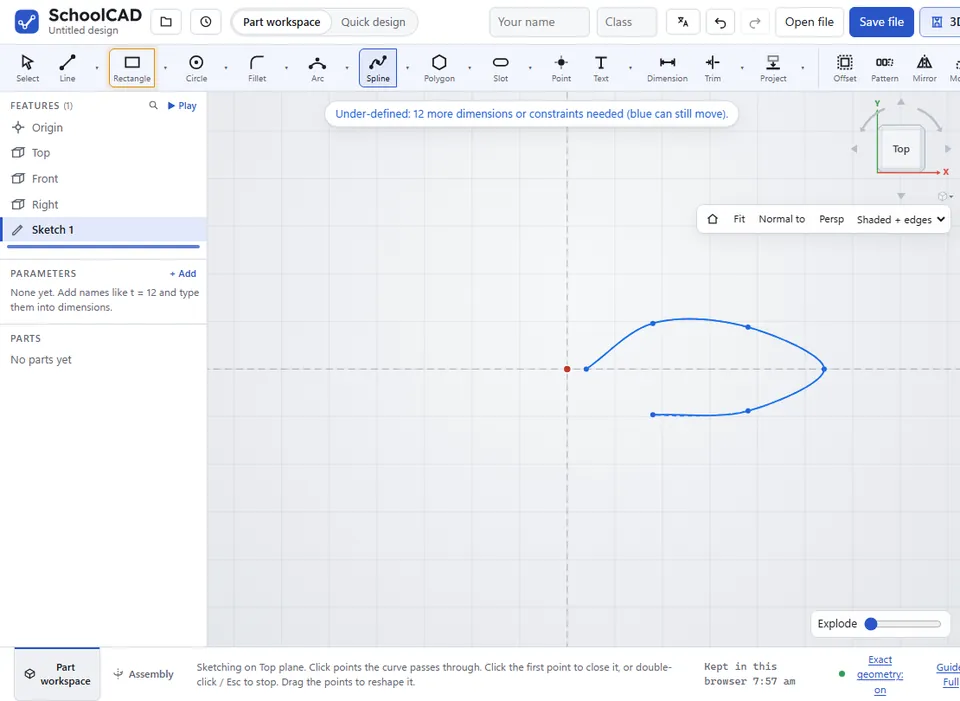
- Click the points the curve should pass through. The curve shows as you go.
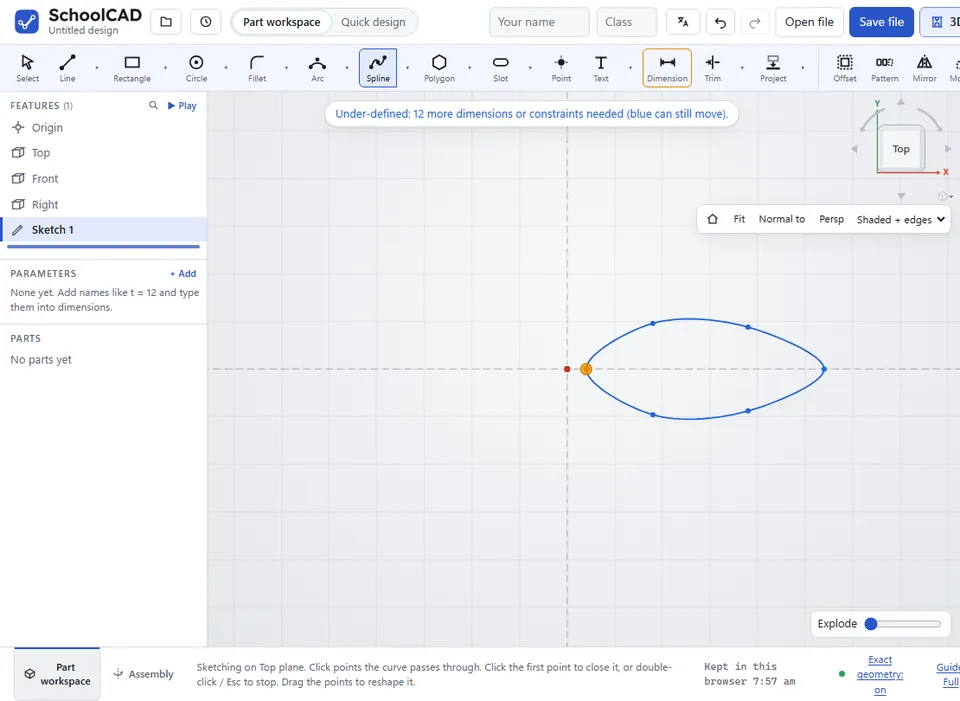
- To close the curve into a loop, click the first point again (after at least three points). The pointer says Close the curve.
- To stop with an open curve, double-click, or press Esc.
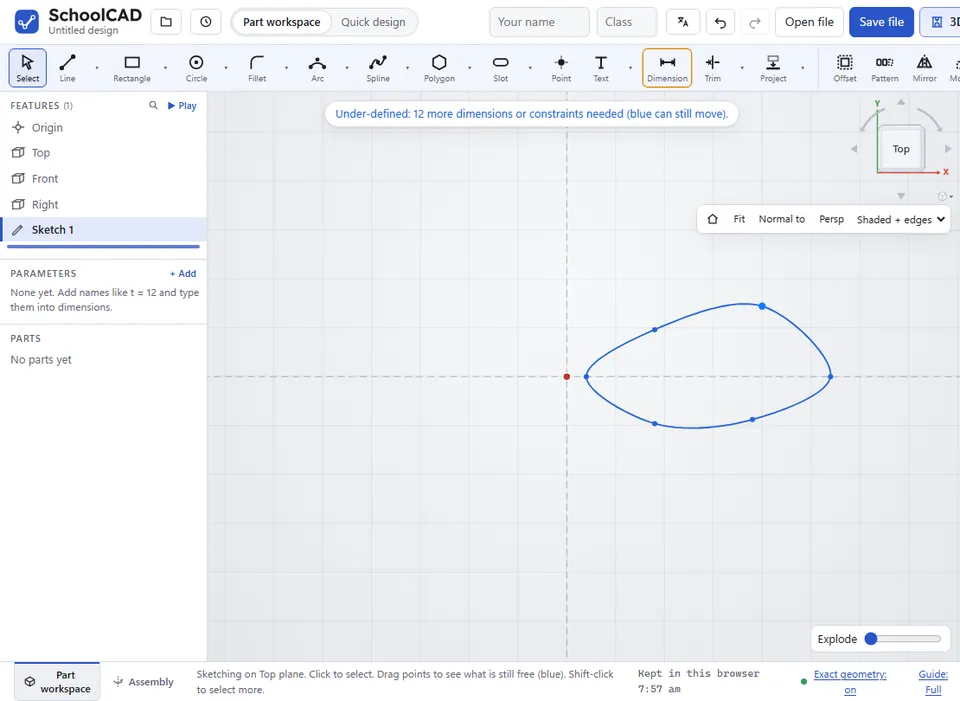
- Press Esc again to go back to Select, then drag the points to reshape the curve.
A closed spline is a closed shape by itself. An open spline needs other lines joined to its ends to make a closed shape: for example, a curved top joined to straight sides and a base. Every point snaps to points and lines, like the ends of a line do.
Making it exact#
The points of a spline are ordinary sketch points, so you can:
- Dimension them: click two points (the origin counts as one) and type the distance between them.
- Constrain them: Symmetric puts two points the same distance either side of a centre line, and Fix (⚓) pins a point where it is.
Equation curve#
An equation curve draws a curve from maths, exactly: a sine wave for a wavy edge, a parabola for a reflector, a spiral, a flower, or the involute shape of a gear tooth. Choose Equation curve from the ▾ next to Spline (SOLIDWORKS: Equation Driven Curve).
- Type x(t) and y(t), in mm, or start from an example. As t goes from t from to t to, the point (x, y) draws the curve, and the preview shows it.
- Use
+ - * /,^for powers (t^2), brackets,pi, andsin,cos,tan,sqrt,abs,exp,ln,log. Angles are in radians, so a full turn is2*pi. You can leave out*after a number:2t,3sin(t). - Choose Add curve.
| Curve | x(t) | y(t) | t from | t to |
|---|---|---|---|---|
| Circle, radius 20 | 20*cos(t) | 20*sin(t) | 0 | 2*pi |
| Parabola | t | t^2/20 | -30 | 30 |
| Sine wave, 8 high, 40 long | t | 8*sin(2*pi*t/40) | 0 | 80 |
| Spiral | 2*t*cos(t) | 2*t*sin(t) | 0 | 6*pi |
The curve is a spline through the points it works out (Points sets how many: more for a curve that bends a lot), fixed in place so the sketch stays fully defined. A curve that ends where it starts is a closed shape you can extrude. Double-click the curve to change its equation.
Step by step#
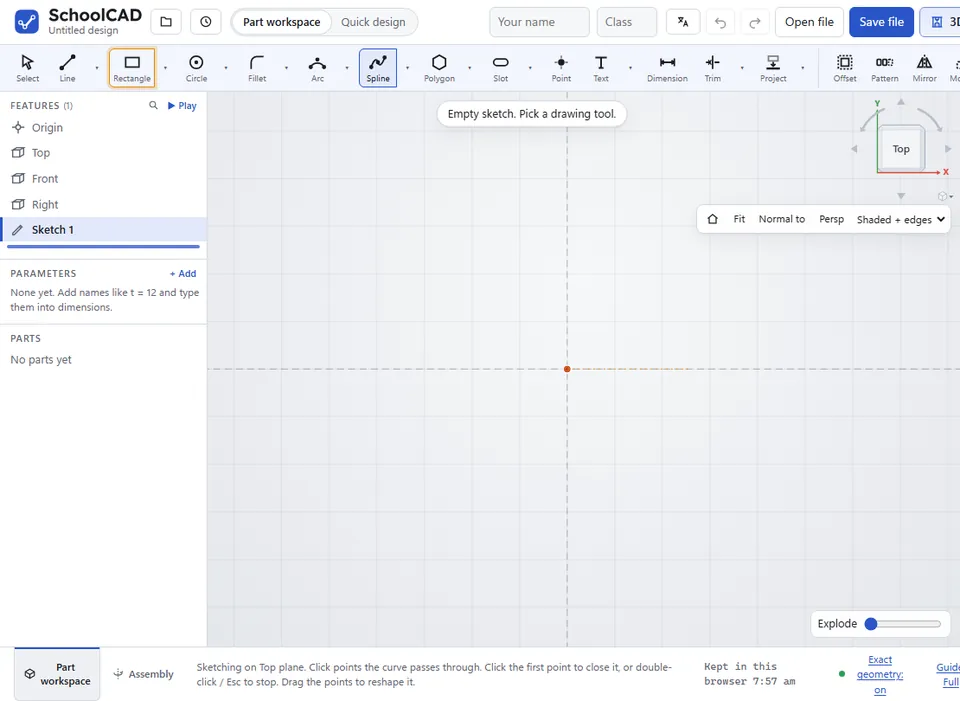
Here is the whole thing on a leaf-shaped tray, from the SchoolCAD video tutorial.

Tips#
- A few well-placed points give a smoother curve than lots of points.
- For a symmetric shape, draw half the outline and mirror it across a construction centre line. When you change the original half, the copy follows.
- To take a point out of the curve, select it and press Delete. If too few points are left, the whole curve goes.
- A spline can be the path for a Sweep.
If it does not work#
- Trim does nothing to the spline: Trim only works on lines, arcs and circles. Drag the spline's end point instead.